
Best online tool for calculating product profit margins
Compare the best free online margin calculators, then see why calculators miss the real question: which product, which location, and why margins drop.

Best online tool for calculating product profit margins
The best online tool for calculating product profit margins is the one that does not stop at the number. A calculator that returns a percentage in two seconds is useful.
A system that codifies your operators' judgment and tells you which product, which location, and why the number moved is what actually protects the margin.
Most free calculators do the first job well. Enter cost, enter price, read the percentage. For a single product or a side project, that is enough.
For an operator running dozens or hundreds of locations, a bare percentage is where the real work starts, not where it ends.
This guide covers:
- The best free online margin calculators worth using today
- What to do once the number drops
- Why a calculator alone is not enough
What is the best online tool for calculating product profit margins?
The best online margin calculator is a free tool that returns gross margin, markup, and profit per unit from two inputs:
- Unit cost
- Selling price
The best ones also let you add real costs like:
- Shipping
- Payment fees
- Returns
So the net number reflects what actually lands in the bank.
If you only need the formula, a simple margin calculator covers it.
Here are the free calculators worth using:
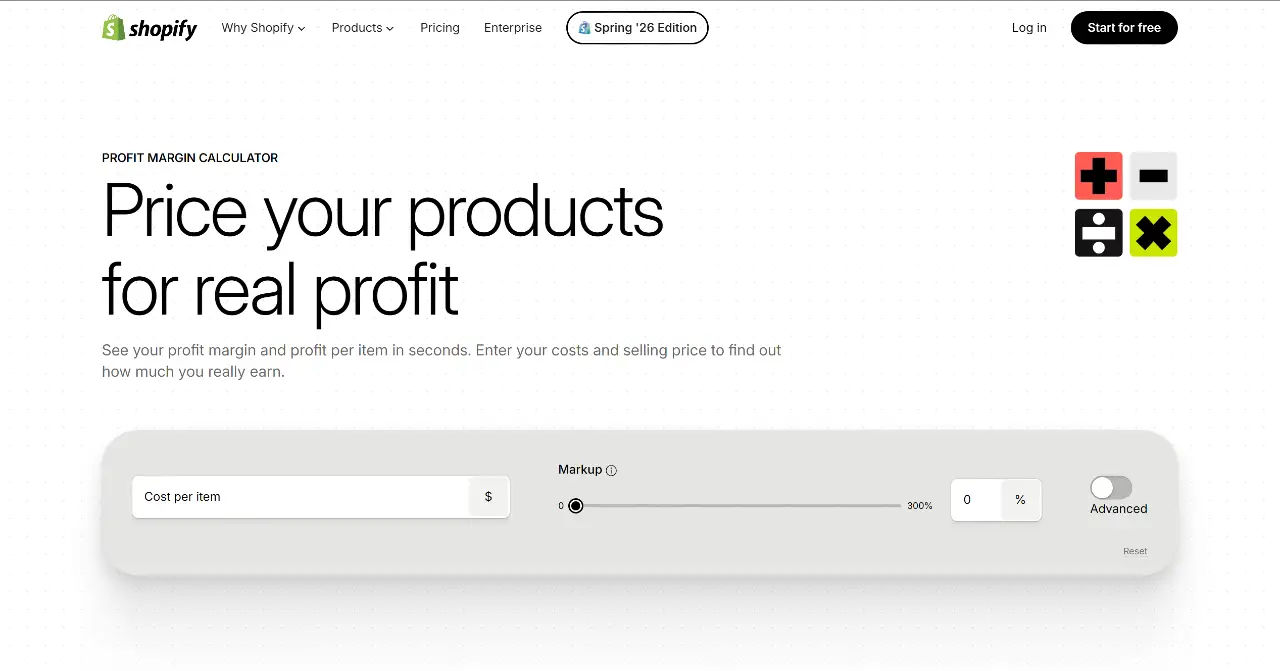
Shopify Profit Margin Calculator
Clean, fast, and geared to ecommerce sellers.
Advanced mode adds acquisition and shipping costs.
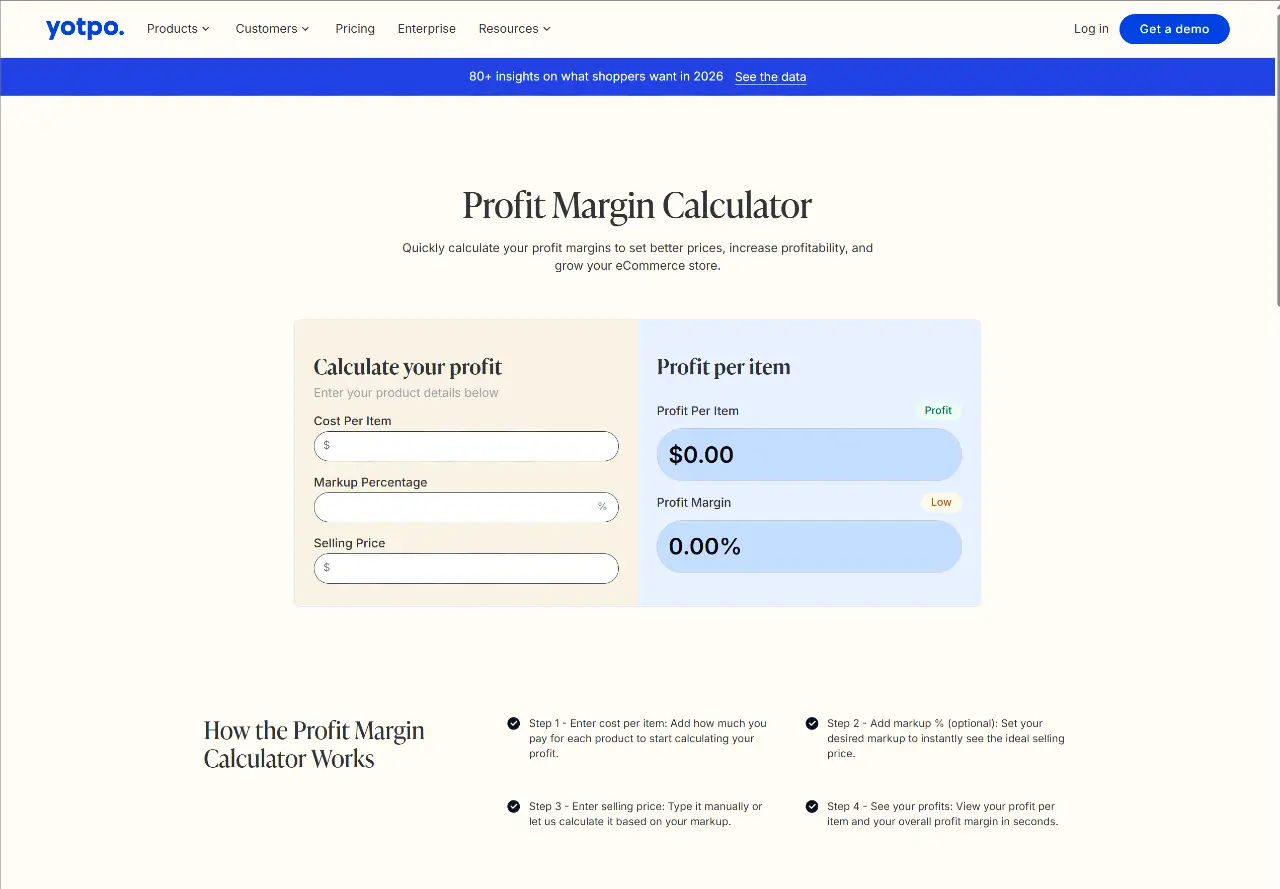
Yotpo Profit Margin Calculator
No sign-up, instant results, and optional markup input to back into a selling price.
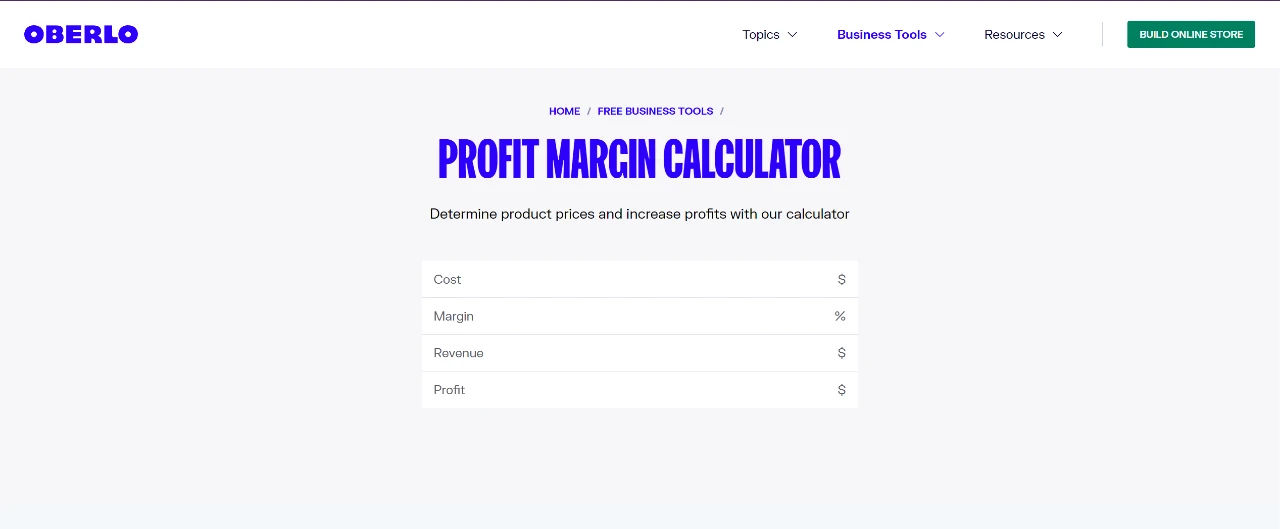
Oberlo Profit Margin Calculator
Simple cost-plus-markup model, good for a quick sanity check on pricing.
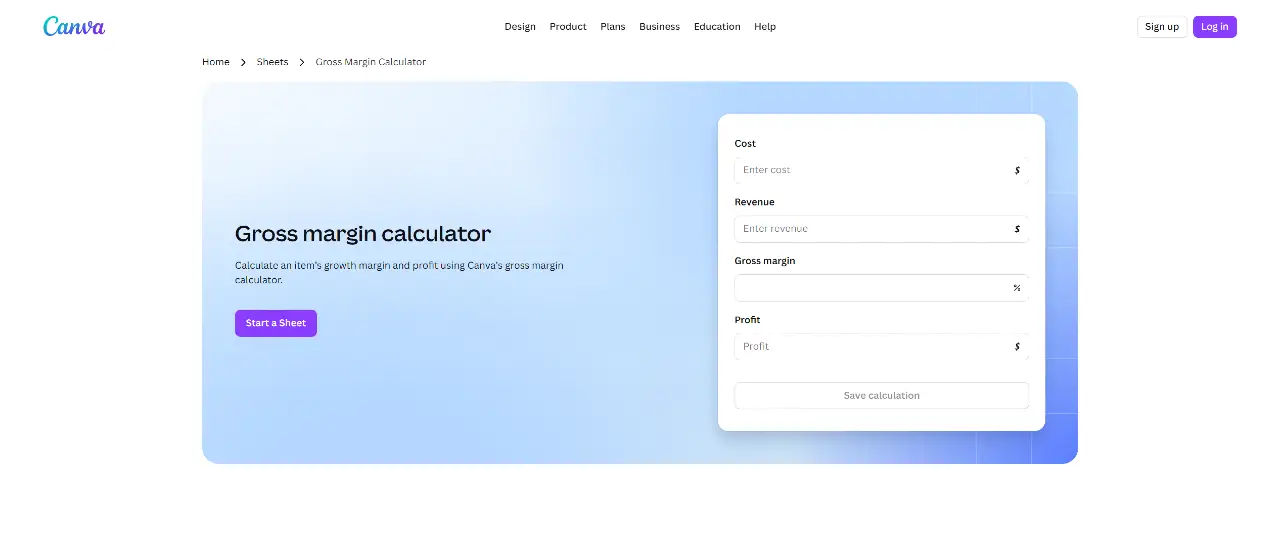
Canva Gross Margin Calculator
Handy if you already work in Canva and want a fast gross margin read before a pitch.
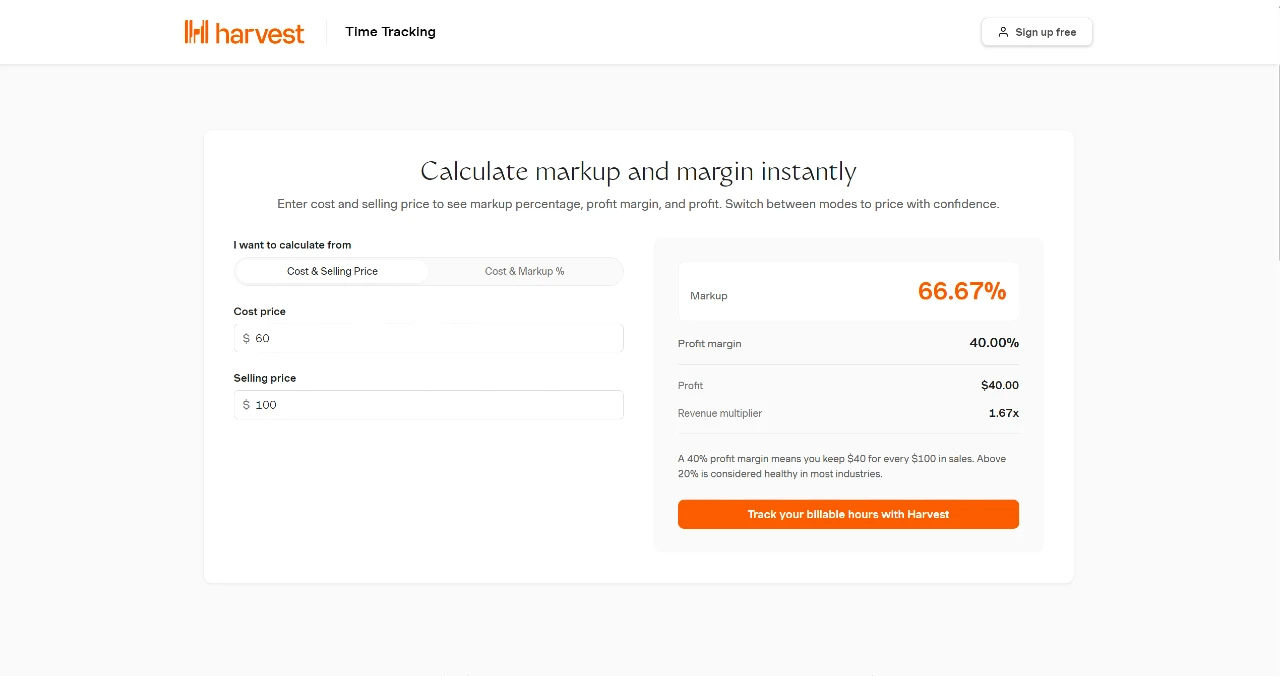
Harvest Online Profit Margin Calculator
Better for service and project work, since it ties into billable hours and project costs.
How do you calculate product profit margin?
Product profit margin is net profit divided by revenue, expressed as a percentage.
The formula is simple.
The inputs are where operators get it wrong. For a fuller walkthrough, see how to calculate gross profit margin for a product.
The two core formulas:
- Gross margin = (selling price minus cost of goods sold) divided by selling price, times 100.
- Markup = (selling price minus cost) divided by cost, times 100.
Margin and markup are not the same number, and confusing them is the most common pricing mistake.
A product that costs $50 and sells for $100 carries a 50% gross margin but a 100% markup.
Same product, two very different percentages. The distinction matters even more once you separate gross margin and operating margin.
The gap between gross and net
Gross margin uses cost of goods sold only.
Net margin subtracts everything else:
- Payment processing fees (often 2.9% plus a fixed charge per transaction)
- Shipping and handling
- Returns and refunds
- Marketplace commissions
- Packaging, storage, and per-unit ad spend
Every location diagnosed. Every cycle.
Scoop is AI performance management for distributed businesses. It diagnoses performance at every location, every cycle, and hands every manager a clear action plan.
- Every location, every cycle
- Role-specific action plans
- No prompting required
Why is a calculator not enough for multi-location operations?
A calculator is not enough because it answers "what is the margin" but never "why did it change."
For a business running many products across many locations, the second question is the one that costs money.
This is the core of diagnostic analytics: not what happened, but why.
Consider the scale problem.
A retailer running 200 stores and 5,000 SKUs has a million product-location combinations.
A calculator handles one at a time.
Nobody is going to run a million calculations by hand, and no dashboard flags which of those combinations quietly slipped this week. This is a known limit of traditional BI tools.
The margin damage rarely comes from one obvious cause.
It shows up as a slow drift:
- A vendor cost creeping up in one region
- A promotion running too deep in another
- A shipping lane getting more expensive
- A product mix shifting toward lower-margin items
Each one is small. Together they move the number, and by the time the monthly report lands, the damage is weeks old.

What does margin erosion look like when it goes undetected?
Margin erosion is the slow, compounding decline in profit margin that no single report catches.
Undetected, it follows a predictable pattern, and the clearest example comes from a live deployment across roughly 1,200 stores at the largest pawn chain in the United States.
The pattern operators call the death spiral:
- Operators get aggressive on sales volume to hit targets
- Inventory builds up faster than it moves
- They start discounting to clear it
- Margins fall
- They overcorrect by pulling back, and revenue craters four to six months later
Every stage of that spiral is visible in the data before it hits the P&L.
- Volume up
- Inventory up
- Discount depth up
- Margin down
The early signals are all there. The problem is that no one is watching all of them, across every store, every week.
Live in weeks. Not months.
We connect to your data, codify your playbook, and train your team. You see a working pilot before anyone commits to a full rollout.
- Connect your data
- Codify your playbook
- Pilot before rollout
How does AI performance management change margin analysis?
AI performance management changes margin analysis by shifting the work from calculating the number to investigating the number.
Instead of a person checking one product at a time, the system screens every product and every location on a schedule and flags the ones that moved.
This is the shift from dashboards to autonomous AI investigation.
Scoop's approach to this is AI performance management for distributed businesses. It sits on top of your existing BI stack, whether that is Power BI, Tableau, a warehouse, or spreadsheets.
It does not replace any of it. It adds the layer those tools were never built to provide: interpretation and action.
The system runs your operator's logic across every location, every cycle:
Screening
It goes through every store and product on a schedule, looking for deviations, ratio imbalances, and early warning signals.
Flag and investigate
When a screen trips, the system spawns an investigation into that specific store or SKU.
Probe
Each investigation runs a defined set of metric-by-attribute checks, the same drill your best operator would run.
Synthesize and roll up
Results get interpreted in the context of your business, then roll up from store to district to region, each level scored critical, severe, normal, or healthy.
Your dashboards show what happened. Scoop says what to do.
Scoop adds the diagnostic and action layer your BI tools cannot: finding what needs attention across every location, and what to do about it. Your stack stays exactly where it is.
- Sits on top of your BI
- Diagnostic and action layer
- No migration required
What should operators look for in a margin tool?
Operators should look for a tool that matches the size of their actual problem. For a single product, a free calculator is the right tool. For a distributed operation, the requirements are different, and closer to augmented analytics tools than a calculator.
A quick way to match the margin tool to the job:
You sell a handful of products
Use a free online calculator. Shopify, or Yotpo, or the calculator at the beginning will do everything you need.
You price a new product or model a scenario
A calculator with markup and net-cost inputs handles it.
Add fees, shipping, and returns to get the real number.
You run many products across one location
A calculator plus a disciplined spreadsheet can work, with regular maintenance.
You run many products across many locations
A calculator cannot keep up.
You need a system that screens every combination and flags what moved.
The checklist for a serious margin tool at scale:
- Does it include all costs, not just cost of goods sold, so net margin is real
- Does it screen every product and location automatically, not one at a time
- Does it tell you why a margin moved, not just that it did
- Does it catch drift early, before the monthly report
- Does it sit on top of your existing systems instead of forcing a migration
- Does it deliver a role-specific action plan, not just a chart

Frequently asked questions about the best online tool for calculating product profit margins
What is the best free online profit margin calculator?
The best free online profit margin calculator depends on your business. For ecommerce, Shopify and Yotpo are fast and require no sign-up. For service and project work, Harvest ties margins to billable hours. The Scoop calculator returns gross margin, markup, ROI, and net margin after fees in one view. All are free, and all do the core math accurately. If you sell online, this margin calculator for retail products guide compares the options.
What is a good profit margin for a product?
A good product profit margin varies widely by industry. Retail often runs on thin single-digit to low-double-digit net margins, while software and consulting can clear much higher. Rather than chasing a universal target, compare a product's margin against your own category benchmarks and track whether it is trending up or down over time. A structured gross profit margin for an online retail store approach helps set the baseline.
What is the difference between margin and markup?
Margin is profit as a percentage of the selling price. Markup is profit as a percentage of cost. A product that costs $50 and sells for $100 has a 50% margin and a 100% markup. They describe the same profit from two different angles, and mixing them up leads to underpricing.
Why do my margins look fine but my profit is low?
This usually means you are reading gross margin, not net margin. Gross margin only subtracts cost of goods sold. Once payment fees, shipping, returns, and marketplace commissions come out, the net margin can be far thinner. A product can show a healthy gross margin and still lose money per unit after all costs. A full product profitability analysis catches this.
Can a calculator tell me why my margin dropped?
No. A calculator computes the margin from the numbers you enter. It cannot tell you which product or location caused a decline, or why. Diagnosing a margin drop across many products and locations requires a system that screens every combination and investigates the ones that moved, which is where AI investigation comes in.
Do I need to replace my BI tools to analyze margins at scale?
No. AI performance management sits on top of your existing BI stack, whether that is Power BI, Tableau, a data warehouse, or spreadsheets. It adds an interpretation and action layer rather than replacing the systems you already run.
Get insights like this every week
Analytics, ops strategy, and product updates. No noise.
Keep reading


Book a discovery call
Reach out to start a two-way conversation about your industry, your performance variations across locations, and whether Scoop is the right fit for you.